Back to Blog
Tools & Tactics

How to Use Facebook Ad Library for Competitor Research (2026 Guide)

A
AdDecode Team
Marketing Intelligence
12 min read
Share:
How to Use Facebook Ad Library for Competitor Research (2026 Guide)


How to Use Facebook Ad Library for Competitor Research (2026 Guide)

Facebook Ad Library is the most underutilized free tool in any marketer's arsenal. While most people do basic brand searches, the real power lies in knowing how to extract strategic intelligence systematically.

What is Facebook Ad Library?

Launched in 2019 for transparency, Facebook Ad Library is a searchable database of all active ads running across Meta platforms (Facebook, Instagram, Messenger, Audience Network). It's completely free and accessible to anyone.

What You Can Find:

  • All active ads from any advertiser
  • Ad creative (images, videos, copy)
  • Ad start dates (longevity indicator)
  • Platform placements
  • Call-to-action buttons
  • Landing page links
  • What You Can't Find:

  • Exact targeting parameters
  • Ad spend amounts
  • Performance metrics (CTR, conversions)
  • A/B test variations
  • Step-by-Step: Advanced Search Techniques

    Start simple:

  • Visit facebook.com/ads/library

  • Select country (defaults to US)

  • Choose ad category: "All Ads"

  • Enter competitor brand name
  • Pro Tip: Try variations—"Nike", "Nike Running", "Nike.com" may show different ad accounts.

    2. Advanced Filtering Strategies

    Filter by Platform

  • Facebook only: Usually brand awareness campaigns

  • Instagram only: Often lifestyle/visual products

  • Both platforms: Core evergreen campaigns
  • Filter by Media Type

  • Video ads: High-intent campaigns (videos cost more to produce)

  • Image ads: Quick tests or proven winners

  • Carousel ads: Product catalogues or feature showcases
  • 3. Reading Longevity Signals

    Ad start dates are your performance proxy:

  • 30+ days: Likely profitable (companies don't run unprofitable ads long)

  • 90+ days: Proven winner (evergreen campaigns)

  • 1-7 days: New tests (watch if they survive)
  • Case Study: A DTC supplement brand running the same video ad for 6 months? That's a gold mine worth analyzing.

    What to Look For: The Intelligence Framework

    1. Messaging Patterns

    Across all ads, identify:

  • Primary benefit: What do they lead with?

  • Objection handling: What concerns do they address?

  • Proof elements: Social proof, guarantees, authority

  • Urgency tactics: Scarcity, deadlines, limited offers
  • 2. Creative Patterns

    Image Ads:

  • Product-focused vs. lifestyle imagery

  • Text overlay usage (none, minimal, heavy)

  • Color psychology and contrast

  • Face presence (humanization)
  • Video Ads:

  • Hook timing (first 3 seconds)

  • Sound-off optimization (captions)

  • Length (15s, 30s, 60s+)

  • Pacing and editing style
  • 3. Offer Architecture

    Document:

  • Price points mentioned

  • Discount structures (%, $, bundle)

  • Risk reversals (free shipping, money-back guarantees)

  • Value stacking techniques
  • 4. CTA Strategy

    Common CTAs and what they signal:

  • "Shop Now" → Direct response, lower funnel

  • "Learn More" → Consideration phase, mid funnel

  • "Sign Up" → Lead generation

  • "Download" → Content marketing, top funnel
  • Advanced Tactics: Beyond Basic Searches

    Don't just search brands—search problems:

  • "Back pain relief"

  • "Project management software"

  • "Meal prep delivery"
  • This reveals competitors you didn't know existed.

    Tactic 2: Ad Copy Phrase Analysis

    Notice repeated phrases across multiple advertisers in your niche? That's validated messaging.

    Example: If 5 SaaS companies all use "14-day free trial", that's the industry-proven offer structure.

    Tactic 3: Seasonal Campaign Tracking

    Bookmark competitor pages and check:

  • Monday mornings: New weekly campaigns

  • 1st of month: Monthly promotion cycles

  • Pre-holidays: Seasonal messaging shifts
  • Tactic 4: Landing Page Analysis

    Click "See Ad Details" → "Go to Website". Analyze:

  • Headline-to-ad message match

  • Page layout and structure

  • Form friction (how many fields?)

  • Exit intent popups

  • Trust badges placement
  • Organizing Your Research: The Swipe File System

    Folder Structure:

    Create organized folders:

  • Competitors/ (by brand name)

  • By-Strategy/ (Hooks, Offers, Social-Proof)

  • Industry-Trends/ (seasonal patterns)
  • Screenshot Checklist:

  • [ ] Full ad creative
  • [ ] Complete ad copy
  • [ ] CTA button visible
  • [ ] Start date visible
  • [ ] Landing page (if accessible)
  • Limitations & Workarounds

    Limitation 1: No Spend Data
    Workaround: Infer from ad volume. More ads = bigger budget.

    Limitation 2: No Targeting Info
    Workaround: Analyze copy for demographic clues ("busy moms", "entrepreneurs").

    Limitation 3: Can't Track Changes
    Workaround: Check weekly, screenshot iterations.

    From Research to Action: The Analysis Workflow

    Weekly Intelligence Session (30 mins)

  • Check top 3 competitors (10 min)
  • Document new ads (10 min)
  • Identify 1 testable insight (10 min)
  • Monthly Deep Dive (2 hours)

  • Analyze all saved ads
  • Identify strategic shifts
  • Update your swipe file taxonomy
  • Plan your own test campaigns
  • Automate the Heavy Lifting

    Manual research is valuable but time-intensive. For daily monitoring:

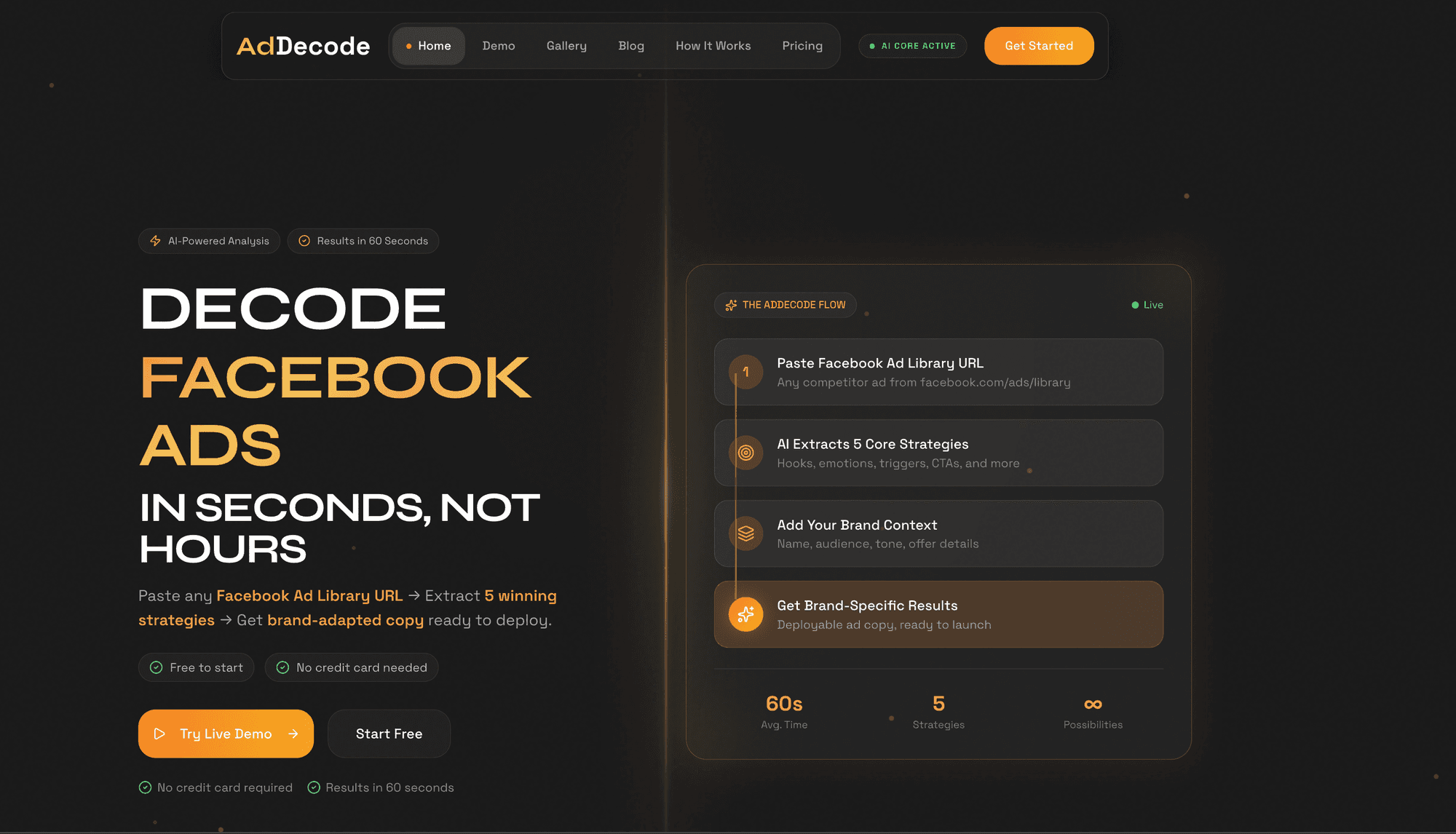
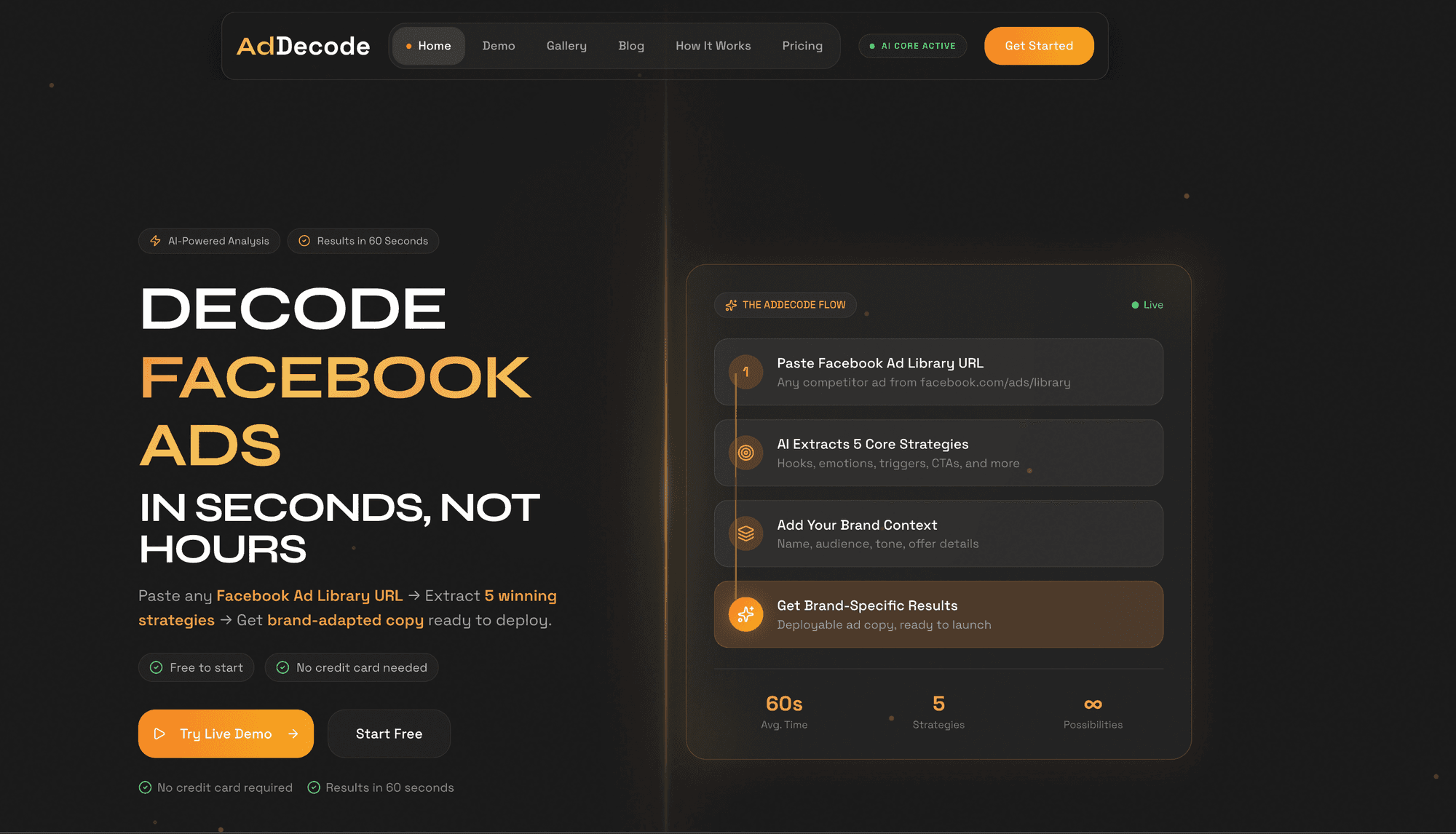
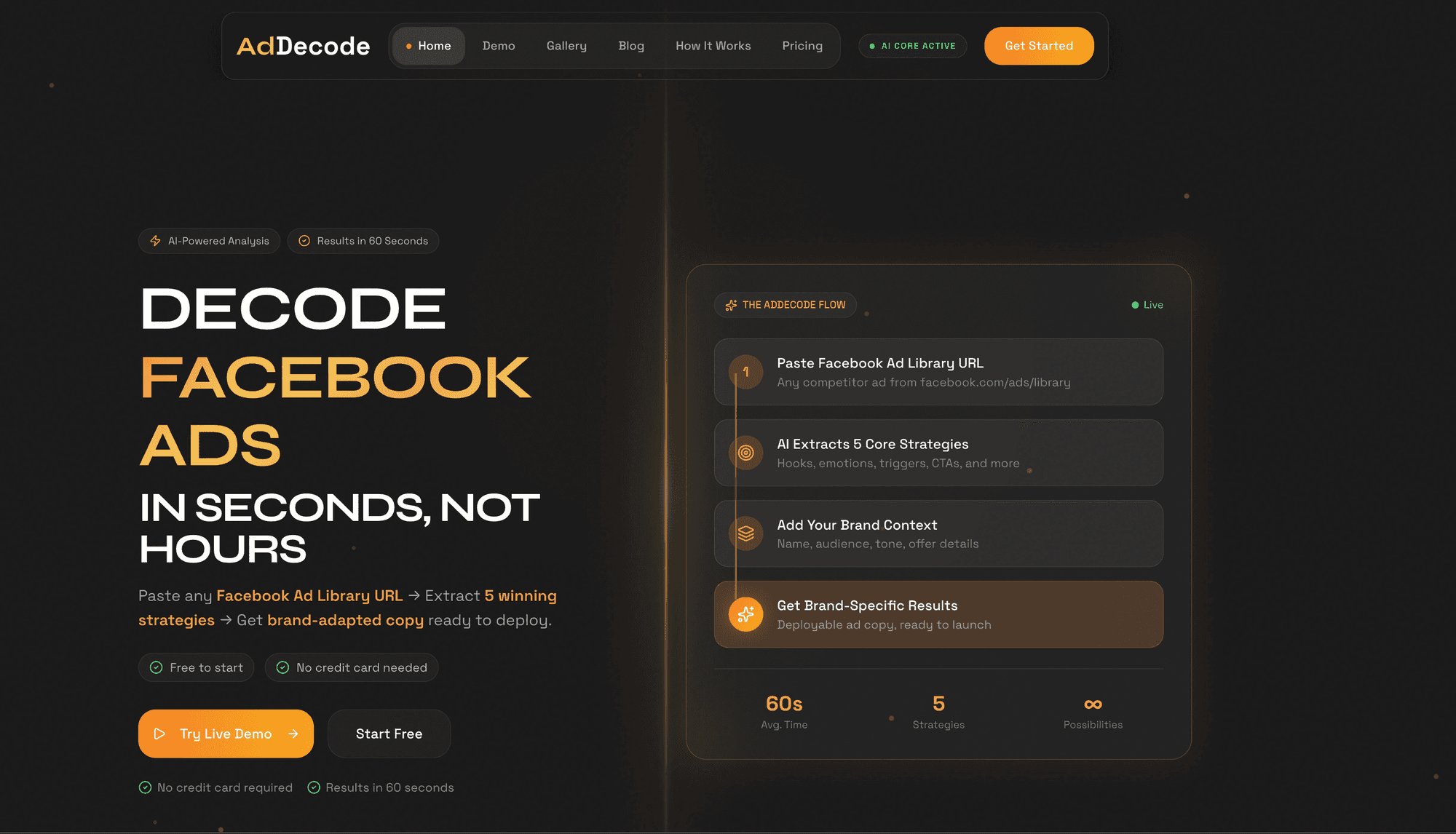
  • Use tools like AdDecode to extract strategic elements automatically

  • Set up Google Alerts for brand mentions

  • Use Ahrefs/SEMrush for keyword tracking
  • Common Mistakes to Avoid

    Mistake 1: Only checking direct competitors
    → Check adjacent niches for fresh strategies

    Mistake 2: Assuming longevity = quality
    → Some brands run bad ads because they're profitable on the backend

    Mistake 3: Copying without context
    → Always adapt to your brand voice and audience

    Mistake 4: Analysis paralysis
    → Set a weekly test budget and experiment

    Conclusion

    Facebook Ad Library is powerful, but it's just a database. The real value comes from systematic analysis and strategic application. Treat it like a competitive intelligence operation, not a casual browsing session.

    Level up your research: Use AdDecode to automatically extract strategic elements →
    #facebookadlibrary#competitorresearch#adspy#metaads#marketingintelligence

    Ready to decode competitor ads?

    Start extracting winning strategies from Facebook ads in seconds.

    Try AdDecode Free