Facebook Ad Library API: Automate Your Competitor Research
Manual competitor research doesn't scale. If you're serious about competitive intelligence, you need automation. The Facebook Ad Library API lets you programmatically access Meta's entire ad database. Here's how to leverage it.
What is the Facebook Ad Library API?
The Ad Library API is a programmatic interface to Meta's ad transparency database. Instead of clicking through the web interface, you can:
Query thousands of ads in seconds
Monitor competitors 24/7 automatically
Build custom dashboards
Track historical changes
Analyze trends across industriesAccess: Free, but requires Facebook Developer account
Prerequisites
Required
Facebook Developer account
App created in developer portal
Access token (user or system)
Basic programming knowledge (Python, JavaScript, etc.)Optional but Recommended
Database (PostgreSQL, MongoDB)
Cron job/scheduler
Data visualization toolAPI Basics
Authentication
All API requests require an access token:
User Access Token: Short-lived (1-2 hours)
Long-Lived Token: Valid 60 days
System User Token: Permanent (best for automation)
Rate Limits
200 calls per hour per user
Monitor your usageImplement exponential backoffCache responses when possibleEndpoint Structure
Base URL:
https://graph.facebook.com/v18.0/ads_archive
Required parameters:
access_tokensearch_termsad_reached_countriesfields (specify what data to return)Use Case 1: Competitor Monitoring Bot
Goal: Check competitors daily, alert on new ads
Implementation strategy:
Morning cron job queries API for each competitorCompare with yesterday's resultsFlag new ads and send Slack/email alertStore ad creatives for historical analysisWhat to monitor:
New ad launchesPaused ads (budget cuts?)Creative changesMessaging shiftsUse Case 2: Industry Trend Tracker
Goal: Analyze ad volume and creative trends across your industry
Implementation:
Query top 50 brands weeklyTrack total ad count per brandIdentify common messaging patternsDetect seasonal shiftsInsights you'll gain:
Which brands are scaling (increasing ad count)Emerging creative trendsSeasonal campaign timingMarket saturation signalsUse Case 3: Creative Swipe File Builder
Goal: Automatically build categorized swipe file
Workflow:
Query ads matching your keywordsDownload creative assetsUse AI to categorize (hook type, emotion, offer)Store in searchable databaseBuild web interface for team accessAd Creative
ad_creative_bodies (copy text)
ad_creative_link_captions
ad_creative_link_titles
page_name (advertiser)
ad_snapshot_url (link to ad archive)Metadata
ad_delivery_start_time
ad_delivery_stop_time (if paused)
ad_creative_link_captions
languages
publisher_platforms (FB, IG, etc.)Disclaimer Info
funding_entity
page_id
impressions (for political/social issue ads only)
spend (for political/social issue ads only)Important limitation: Spend and impression data is NOT available for commercial ads.
Code Examples
Python: Basic Ad Search
Basic implementation pattern:
Set up authentication
Define search parameters
Make API request
Parse JSON response
Extract relevant fieldsPython: Competitor Monitoring Script
Advanced implementation:
Load competitor list from config
For each competitor: query API
Compare with previous day's data
Identify new/paused ads
Send notifications
Store results in databaseBest Practices
1. Respect Rate Limits
Implement exponential backoff:
First retry: Wait 1 secondSecond retry: Wait 2 secondsThird retry: Wait 4 secondsAfter 5 retries: Alert admin2. Cache Aggressively
Don't re-query same data:
Store API responses in databaseOnly query for changes (new ads since last check)Refresh evergreen ads weekly, not daily3. Monitor Your Usage
Track:
API calls per hourResponse timesError ratesData storage growth4. Handle Errors Gracefully
Common errors:
Rate limit exceeded: Back off and retryInvalid access token: Refresh tokenAd not found: Ad was deleted/expiredTimeout: Network issue, retryAdvanced: Building a Competitive Intelligence Dashboard
Database Schema
Key tables:
ads: Store all ad datacompetitors: List of monitored brandschanges: Track what changed dailyalerts: Notification queueDashboard Metrics
Competitor Health:
Active ad count (trend over time)Average ad longevityCreative refresh ratePlatform distributionMarket Intelligence:
Industry ad volumeCommon messaging themesSeasonal patternsEmerging competitorsYour Performance:
Your ad count vs competitorsYour messaging uniquenessCreative iteration speedMarket share of voice (estimated)Cost Considerations
API: Free
Infrastructure costs:
Database: $20-100/mo (depending on scale)
Server: $10-50/mo
Storage: Varies by data retention
Developer time: Initial setup 20-40 hoursROI calculation:
If you save 10 hours/week on manual research:
10 hours × $50/hour = $500/week
$2,000/month saved
Infrastructure cost: $50/month
Net monthly value: $1,950Limitations & Workarounds
Limitation 1: No spend data for commercial ads
Workaround: Infer from ad volume and duration
Limitation 2: Rate limits (200/hour)
Workaround: Prioritize competitors, spread queries over time
Limitation 3: No targeting data
Workaround: Analyze ad copy for demographic clues
Limitation 4: Historical data retention
Workaround: Build your own archive from daily queries
Alternative: Use Existing Tools
Building custom systems requires:
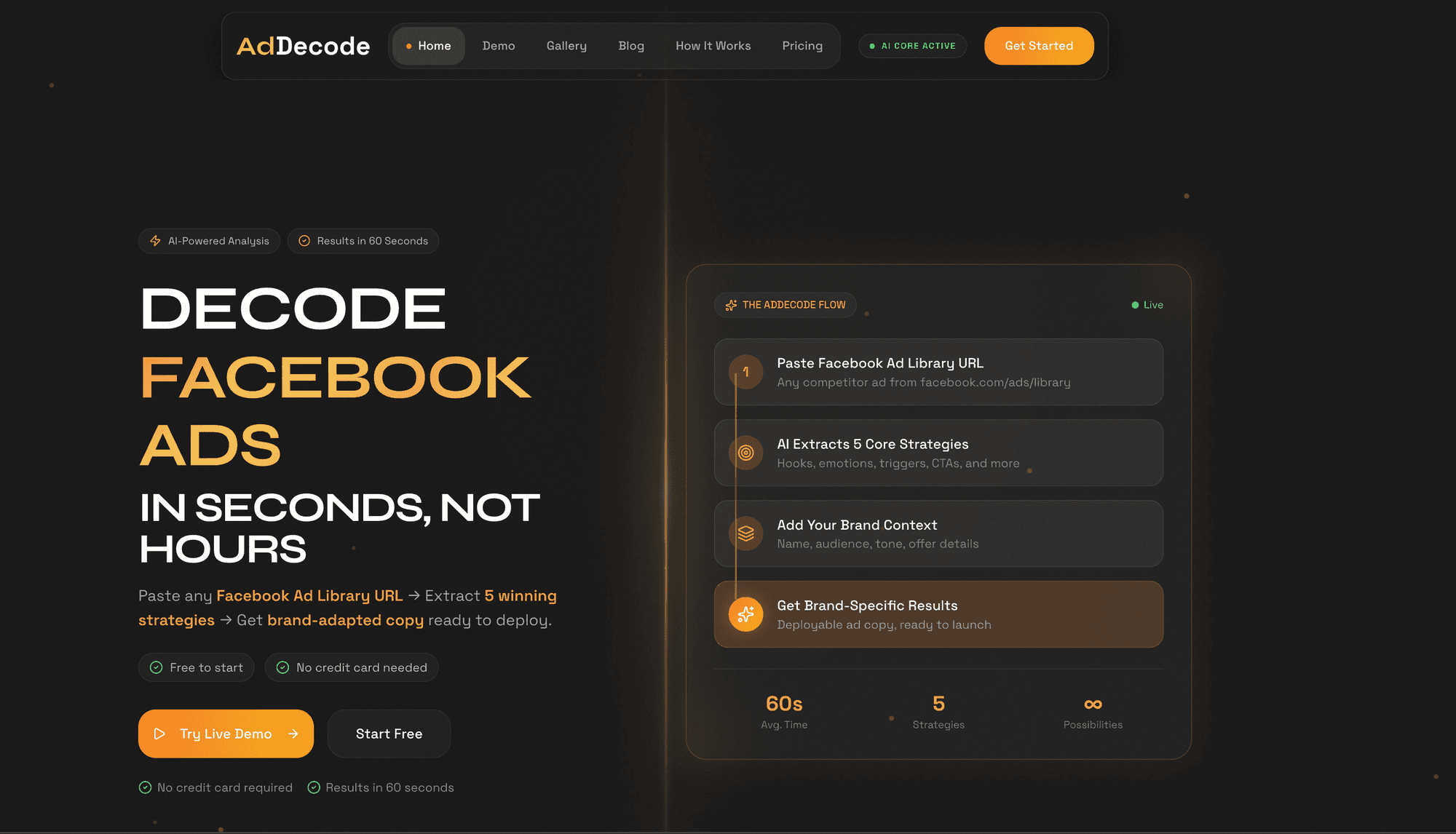
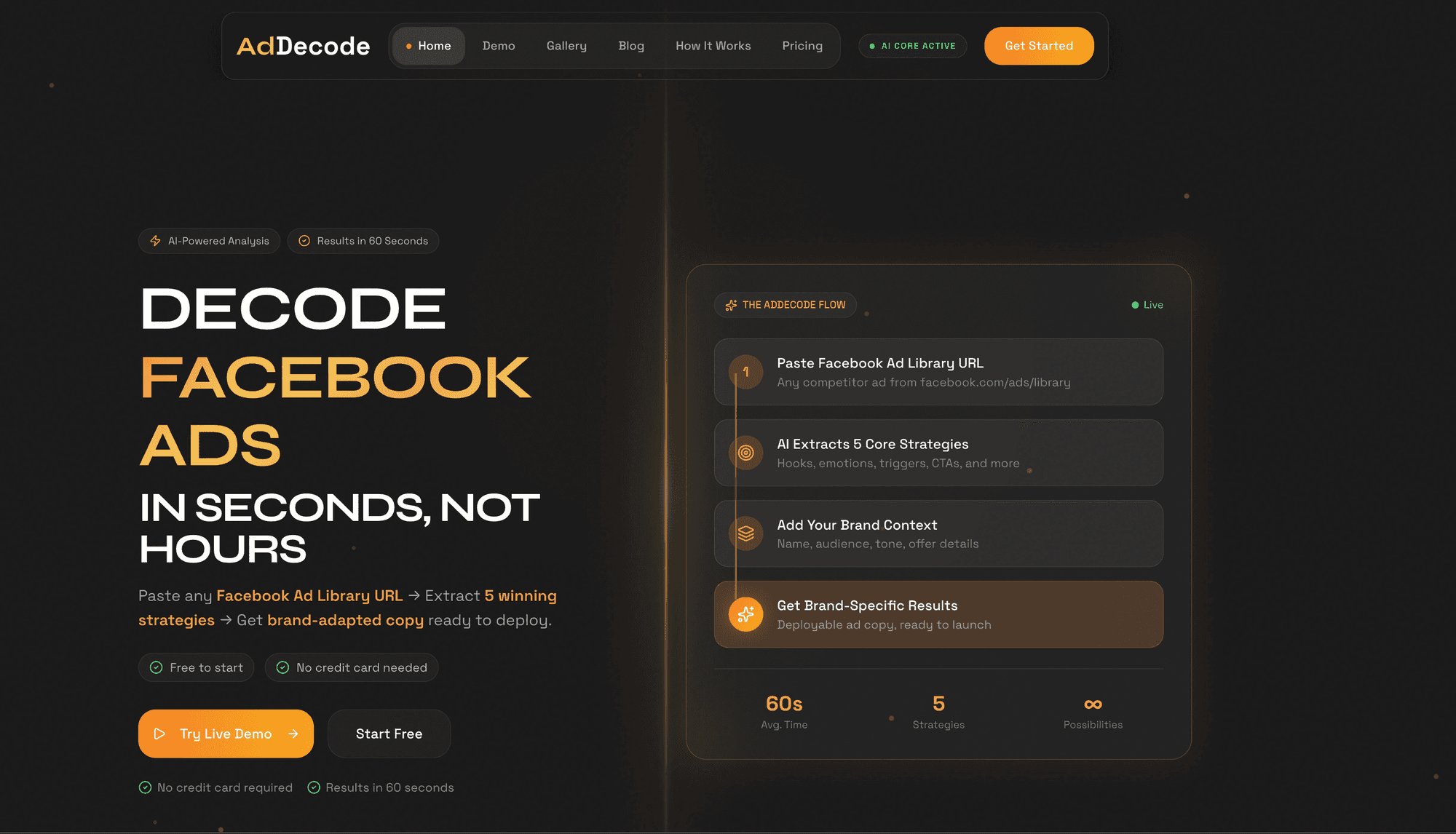
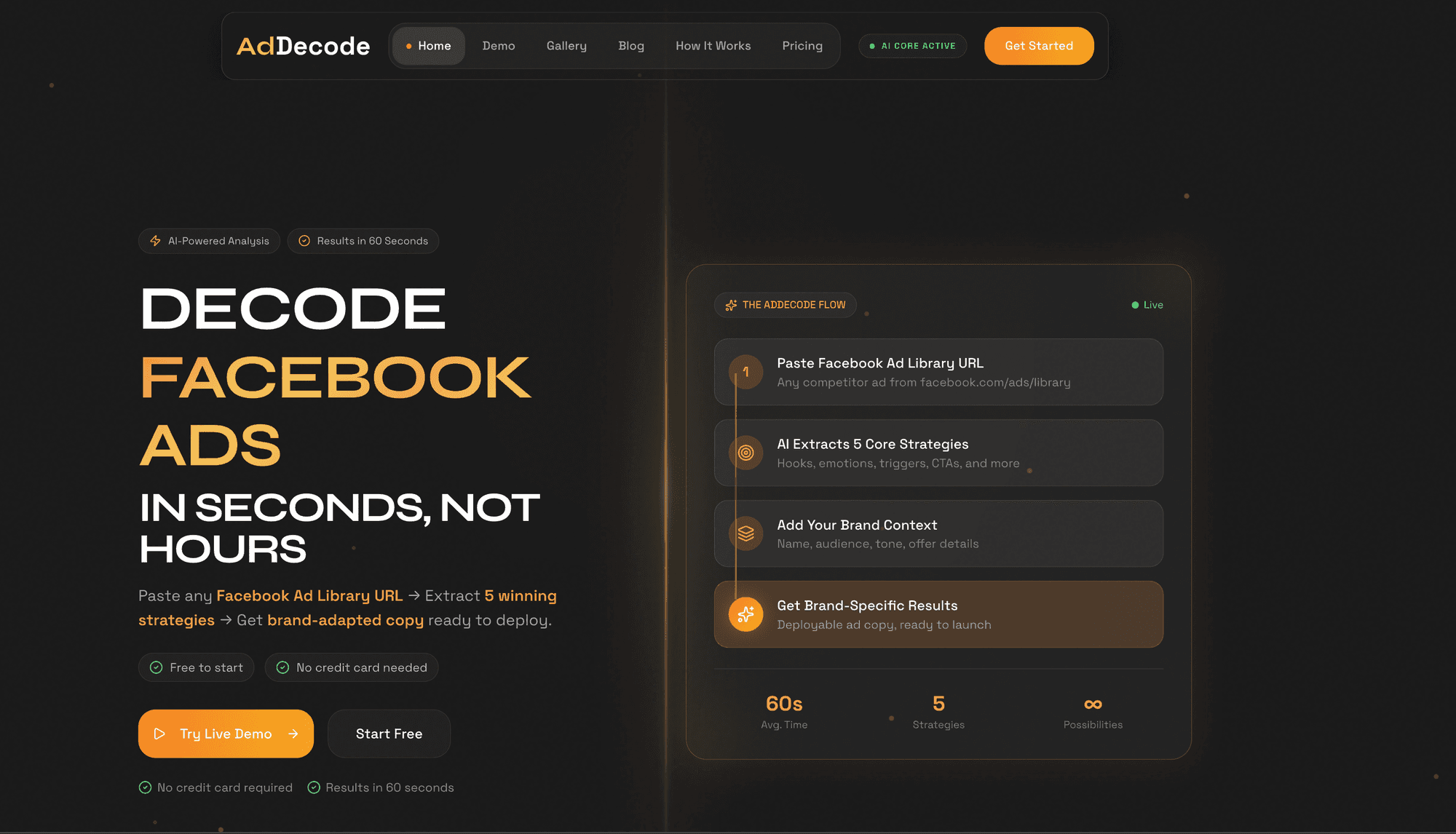
Developer resourcesInfrastructure managementOngoing maintenanceConsider tools like AdDecode if:
You need intelligence now (not in 3 months)You lack developer resourcesYou want strategic analysis, not just dataYou prefer monthly subscription to build costsConclusion
The Facebook Ad Library API unlocks programmatic competitive intelligence. For technical teams, it's the foundation for building custom monitoring systems. For most marketers, using existing tools is faster and more cost-effective.
Skip the build, start analyzing: Try AdDecode's automated intelligence →